Teacher & Staff Training for Interactive Systems

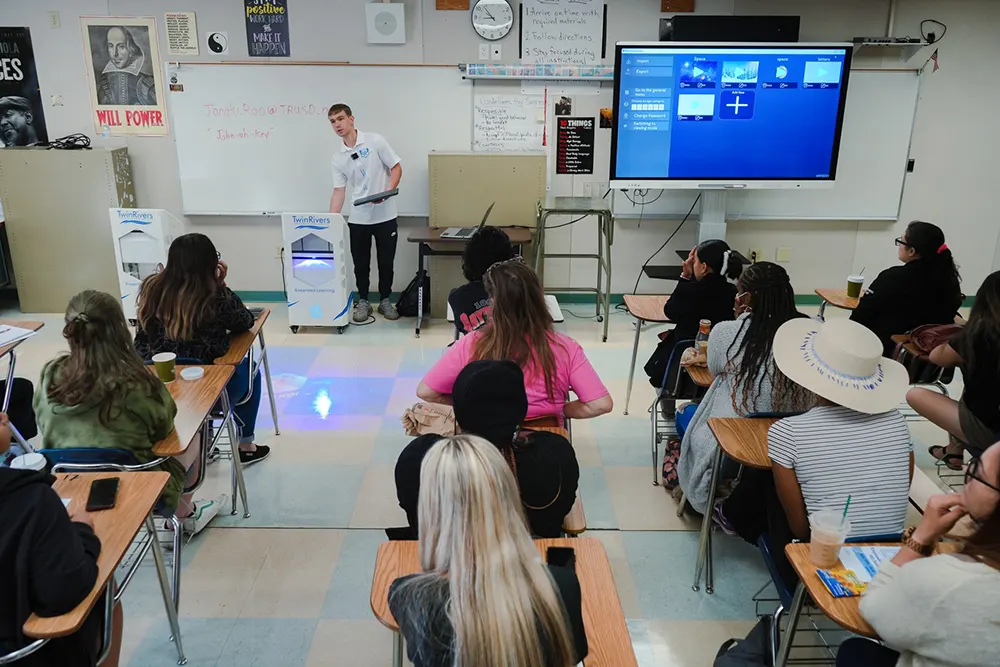
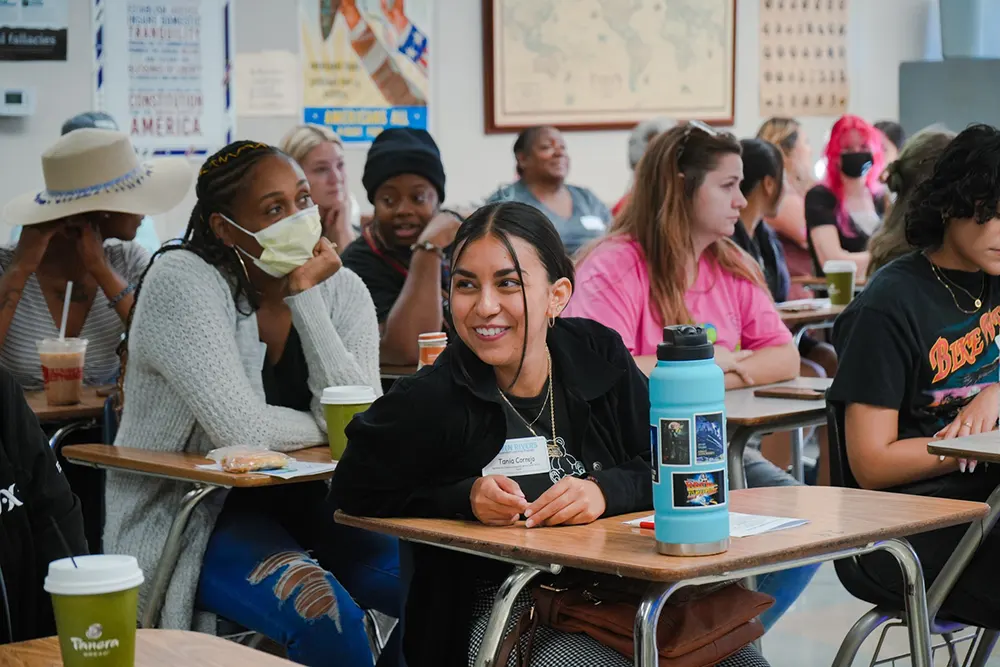
Teachers attending interactive equipment training

Make interactive equipment a practical part of everyday learning and play. At KIDSjumpTECH, we provide free remote onboarding for every system in our product range, so teachers, therapists, museum educators, and venue staff can learn to operate the equipment and lead activities with confidence.

Initial online training comes with your system. We also offer free follow-up training for new employees, plus ongoing remote technical and operational support for the life of the equipment. Need extended practical sessions at your facility? Optional on-site training is available at an additional cost.

Free Remote Onboarding

Once installation and our remote calibration are done, we set up a live training session through Zoom or Google Meet. Our specialist walks your team through the equipment and software, demonstrates the available functions, and answers questions about everyday use.

During onboarding, we cover:

  • Starting the system and shutting it down correctly.
  • Navigating the software interface.
  • Launching, ending, and switching games and interactive activities.
  • Using the settings available on your specific system.
  • Explaining activities and showing participants how to interact.
  • Organizing group participation and managing turns.
  • Safe operation and routine care.
  • Basic troubleshooting and knowing when to contact technical support.

Every session is tailored to the equipment your organization uses, since the controls, settings, and operating routines depend on the product and its software.

Training Adapted to Your Team

We adapt training to your facility’s needs, staff roles, and preferred approach. There is no limit on the number of participants: we can train a designated operator, a department, or your entire team.

Specialist demonstrating interactive systems to teachers

Schools & Educational Districts

We can train your teaching staff together with your lead IT specialist, even groups of 50 teachers. Or we can use a train-the-trainer approach, guiding an IT coordinator or designated staff member who then helps colleagues use the system.

Sessions tie everyday operation to the practical use of interactive equipment in schools, including selecting activities and understanding how they can support classroom goals.

Therapy & Special Education Centers

We provide focused training for the therapists and specialists who will use the equipment in daily activities with children. For systems like our Interactive Mobile Floors, we explain the operating workflow and how to choose activities for the intended audience.

Your professionals then apply this guidance in their own educational or therapeutic practice.

Museums & Public Exhibitions

We train exhibition managers and facilitators to run short demonstrations, assist visitors during an activity, and maintain the exhibit. Sessions focus on the routines staff need to introduce the experience and manage visitor participation.

Interactive Parks & Entertainment Venues

We provide comprehensive training for venue staff, including floor operators, animators, and technical crews, covering game rules, turn management, daily operation, and routine maintenance.

Before scheduling training, let us know who will operate the equipment and how your facility wants to set up the session.

From Operating the System to Leading an Activity

Knowing how to launch a game is only part of using interactive technology well. We also show your team how to introduce an activity, demonstrate what participants should do, and organize participation.

Staff learn, for example, how to navigate interactive floor games or interactive wall games, pick a suitable task, and move between activities. We also go over the general principles behind choosing content for different audiences and tying it to an educational, developmental, or recreational goal.

From there, your team applies these principles in its own lessons, sessions, exhibitions, or entertainment programs.

Build Activities Around a Clear Goal

A practical starting point is to decide what participants should practice before selecting a game.

A simple planning sequence is:

  1. Choose a goal. This could include recognizing shapes, practicing counting, describing a character, or taking turns.
  2. Select an activity. Choose suitable content from the software available on your system.
  3. Introduce the task. Explain what participants should do and demonstrate an example.
  4. Organize participation. Decide how individuals, pairs, or small groups will take part.
  5. Connect the experience with a follow-up task. Use a question, discussion, drawing, or classroom activity to reinforce the goal.

Say you run a shape-recognition activity. It could lead to finding similar shapes around the classroom. With Alive Sketch, animated drawing activities can become a starting point for describing characters and telling a shared story.

These are just suggestions for planning activities. Your staff picks and adapts them to the participants’ needs and the content available on your equipment.

Training Across Our Full Product Range

We provide training for every product in the KIDSjumpTECH range. Each session follows the operation and activities of the system your organization has purchased.

Depending on your equipment, training can help your team understand how to use:

  • Interactive Floors for movement-based games and educational activities.
  • Interactive Walls for projected challenges and individual or group participation.
  • Interactive Sandboxes for terrain exploration and guided activities.
  • Alive Sketch for drawing, scanning, and bringing children’s creations into animated environments.
  • Interactive Tables for shared games and small-group activities.

Training is also available for our other systems, including interactive climbing walls, slides, and swings, with instruction tailored to the product’s operating requirements.

Manuals, Recordings & Lesson Guidance

We provide manuals so your staff can revisit operating instructions after onboarding. We can also record live training sessions, giving your team a reference for reviewing demonstrations and onboarding new employees.

During training, our specialists explain how the software’s games and activities can tie into your curriculum or activity goals. We focus on the general principles of selecting and using content, while your educators and specialists develop and run the activities within their own programs.

For systems like the Interactive Floor, we also provide ready-to-use lesson plans alongside the manuals.

Optional On-Site Training

For school districts, large rehabilitation centers, museums with multiple exhibition spaces, and other large-scale projects, we offer Premium On-Site Training.

Our specialist travels to your facility and runs practical workshops with your staff. Employees get to work directly with the equipment, practice the controls, and explore how the activities can fit into their professional routines.

On-site training is optional and priced separately, with the cost based on your location and how many training days and hours you need.

Contact us to talk through your facility, equipment, and team’s needs, and we’ll prepare an individual quote.

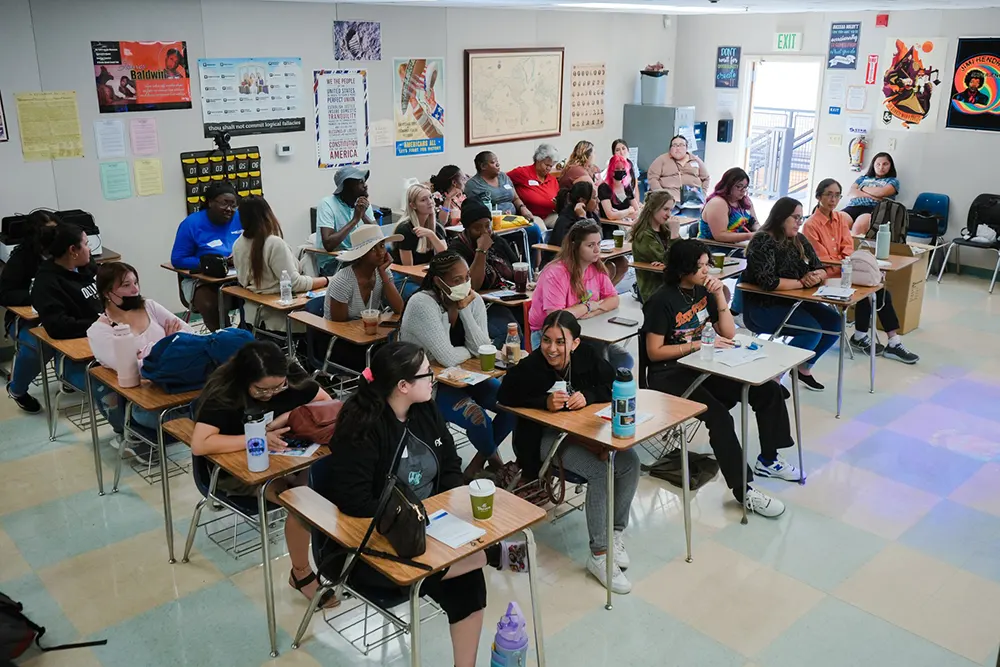
Teachers participating in on-site training

Free Training for New Employees

When new employees join your team, we offer complimentary follow-up onboarding. Just schedule a free Zoom training session with our support team so new staff can learn the equipment and ask questions.

Your manuals and any recordings from the initial training also help employees brush up on the basics before a live refresher session.

Ongoing Technical & Operational Support

Our assistance continues after the first training session. We provide free remote technical and operational support throughout the equipment’s service life.

Technical Support

Our engineering team assists with hardware diagnostics, software updates, and troubleshooting. When needed, we can connect remotely to your system to investigate a problem and help with software configuration.

For technical assistance, email [email protected].

Operational & Methodological Support

Does your team need a refresher on the interface, help launching a particular game, or guidance on picking activities for a different age group? Schedule a free Zoom consultation.

We walk through the software and explain practical ways to use its functions. Your staff then applies that guidance to the needs of your classroom, therapy program, exhibition, or venue.

Questions About Staff Training

Is initial training included with the equipment?
Yes. Every KIDSjumpTECH system comes with free remote onboarding. After installation and remote calibration, we set up a live Zoom or Google Meet session covering operation, software navigation, activities, and basic troubleshooting.

Is there a limit on the number of participants?
No. We can train a single designated operator, an entire department, or your full team, and we’ll adapt the approach to your organization’s structure and the roles of the people who will use the equipment.

Can training help us plan lessons and activities?
Yes. We explain the general principles of choosing games and tying activities to educational or developmental goals. For systems like the Interactive Floor, we also provide ready-to-use lesson plans and manuals. Your staff develops and runs activities within its own professional programs.

Do you provide training for every product?
Yes. Training is available across our full product range and tailored to the equipment and software your organization uses.

Can we arrange training for new employees later?
Absolutely. We offer free follow-up onboarding for new hires through Zoom. Manuals and recordings from your initial training can also help them brush up on the operating basics.

Can training take place at our facility?
Yes. Optional on-site training is available for organizations that need practical workshops on site. It’s charged separately, with pricing based on location and how many training days and hours you need.

What help is available after onboarding?
We provide free remote technical and operational support for the life of the equipment. Contact [email protected] for technical questions, or set up a free Zoom consultation for guidance on the interface, games, and everyday use.

Help Your Team Get Started

Tell us which equipment you are considering or already use, who will lead activities, and what you want participants to practice. We will discuss the onboarding approach that fits your organization, whether you need training for one operator, your full team, or new employees.

Discuss Staff Training or call (877) 901-0110.

🚀 Just Released

The Next-Gen 3-in-1 System is Here.

Interactive Floor, Wall, and Table in one massive upgrade. Celebrate our new release: build your custom setup today and get our Party Scene Builder included for free ($0).

See the New Device