
Alive Sketch is an interactive Draw Alive system that turns children’s paper drawings into animated characters on a large interactive wall. Children color a picture, scan it, and watch their creation come to life within seconds – ready to move and respond to touch.
Alive Sketch


Designed for schools, preschools, museums, libraries, therapy centers, and family entertainment venues.


What Is an Alive Sketch?
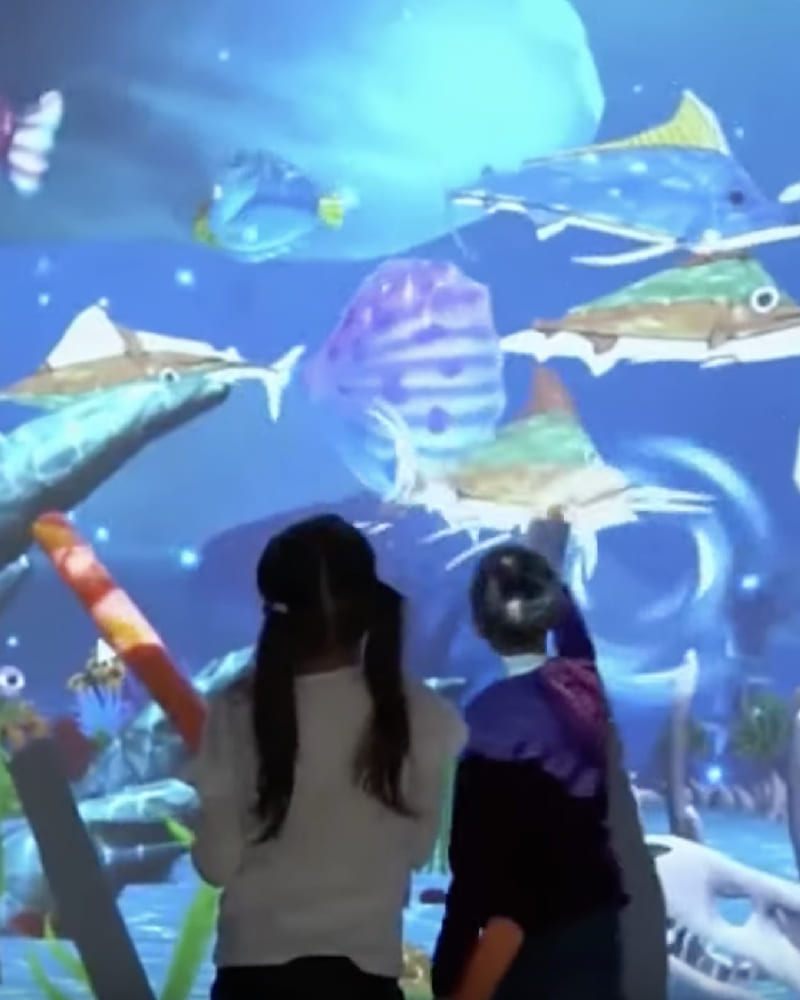
Alive Sketch is an interactive drawing system that brings children’s artwork to life on a large wall projection. Using a scanner, computer, projector, and interactive touch technology, it transforms paper pictures into animated characters that retain their original colors and details. Children watch as each drawing comes to life, then interact with their creations through touch.
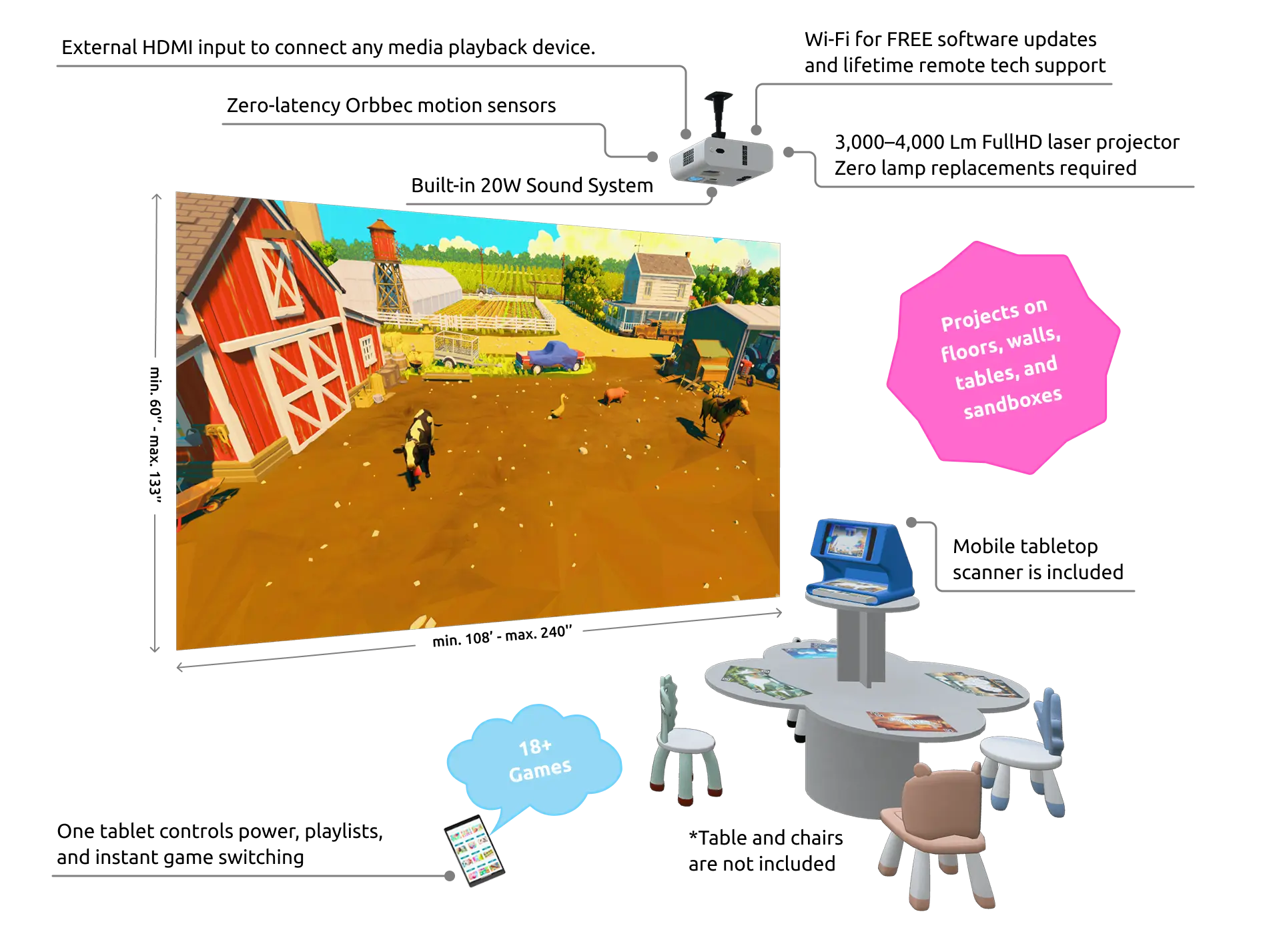
Alive Sketch technology operates through a combination of a Full HD projector mounted on the ceiling, which delivers high-quality images onto the wall, and a scanner that brings drawings to life.
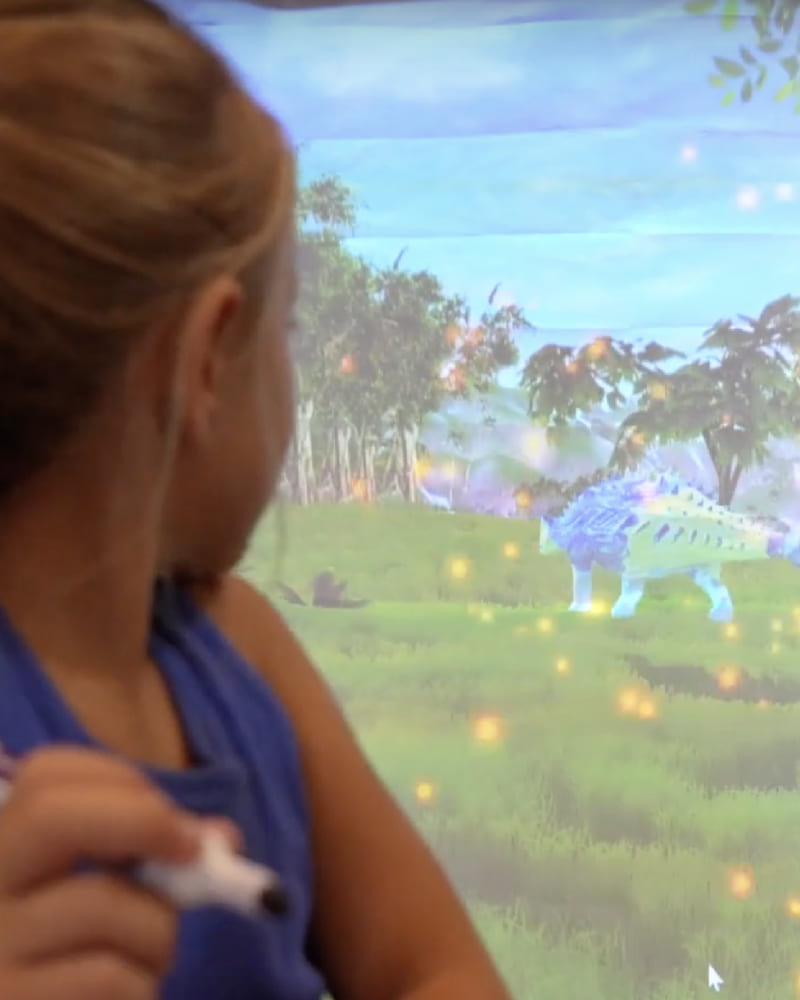
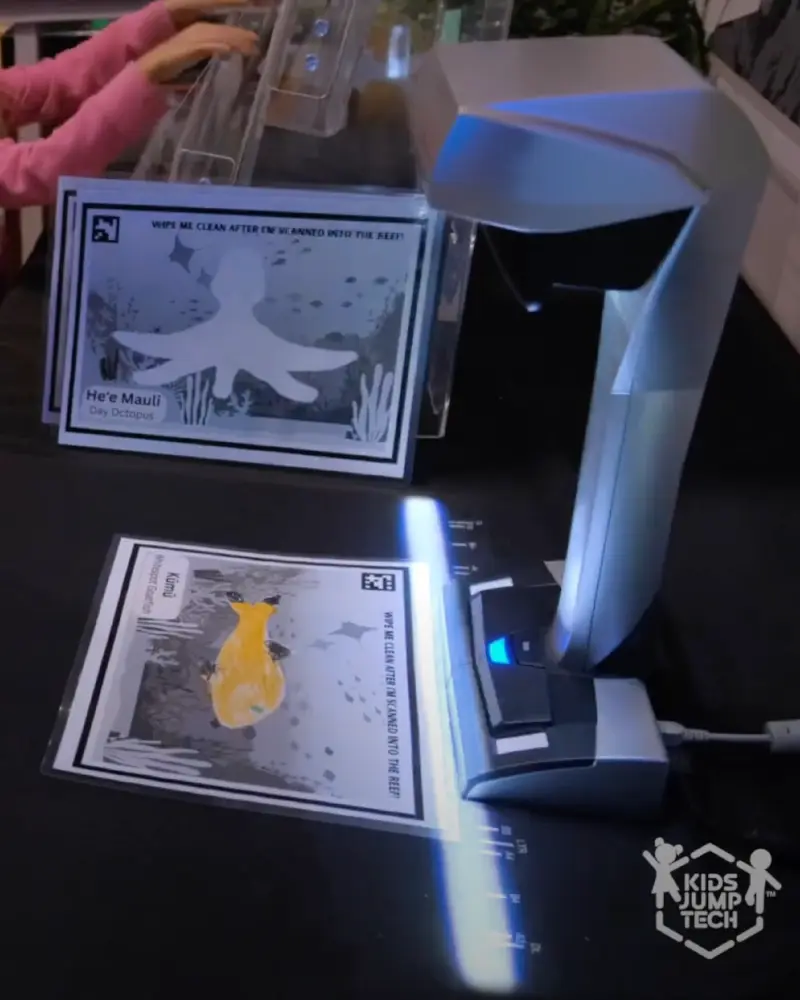
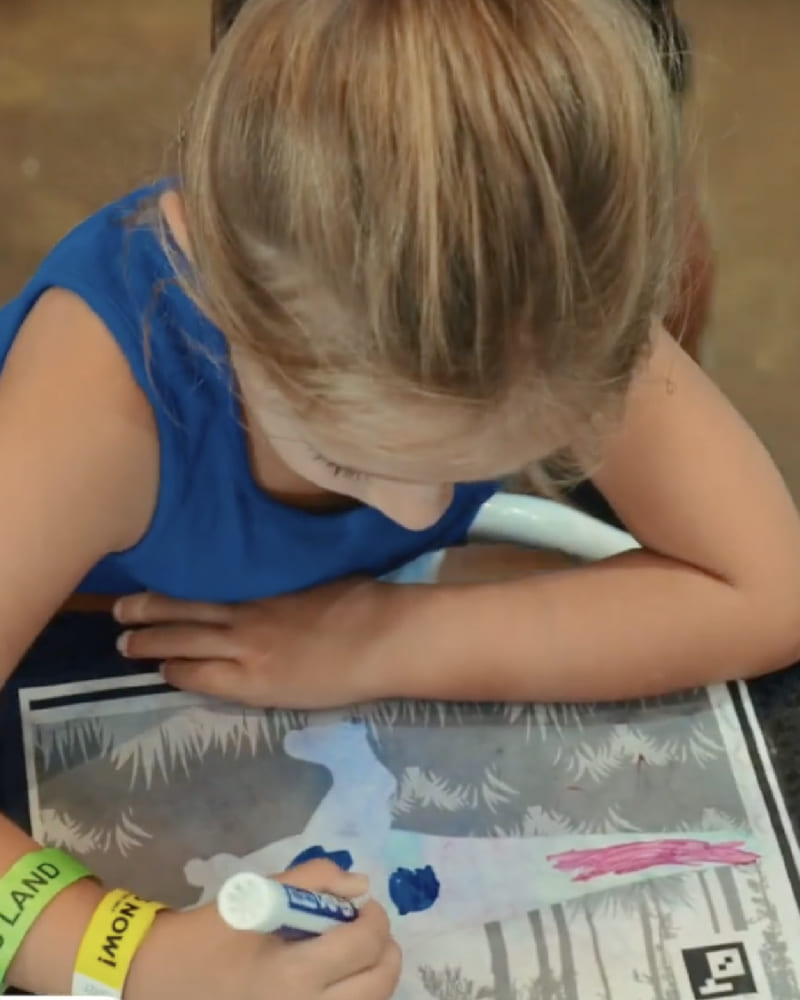
The projector casts a specific background onto the wall while children draw animals on special templates. Then, the color image is scanned through a desktop scanner and appears on the projection as a live model. Children can interact with it by touching the animals on the projection with sticks (5 included with the initial purchase) or their hands.
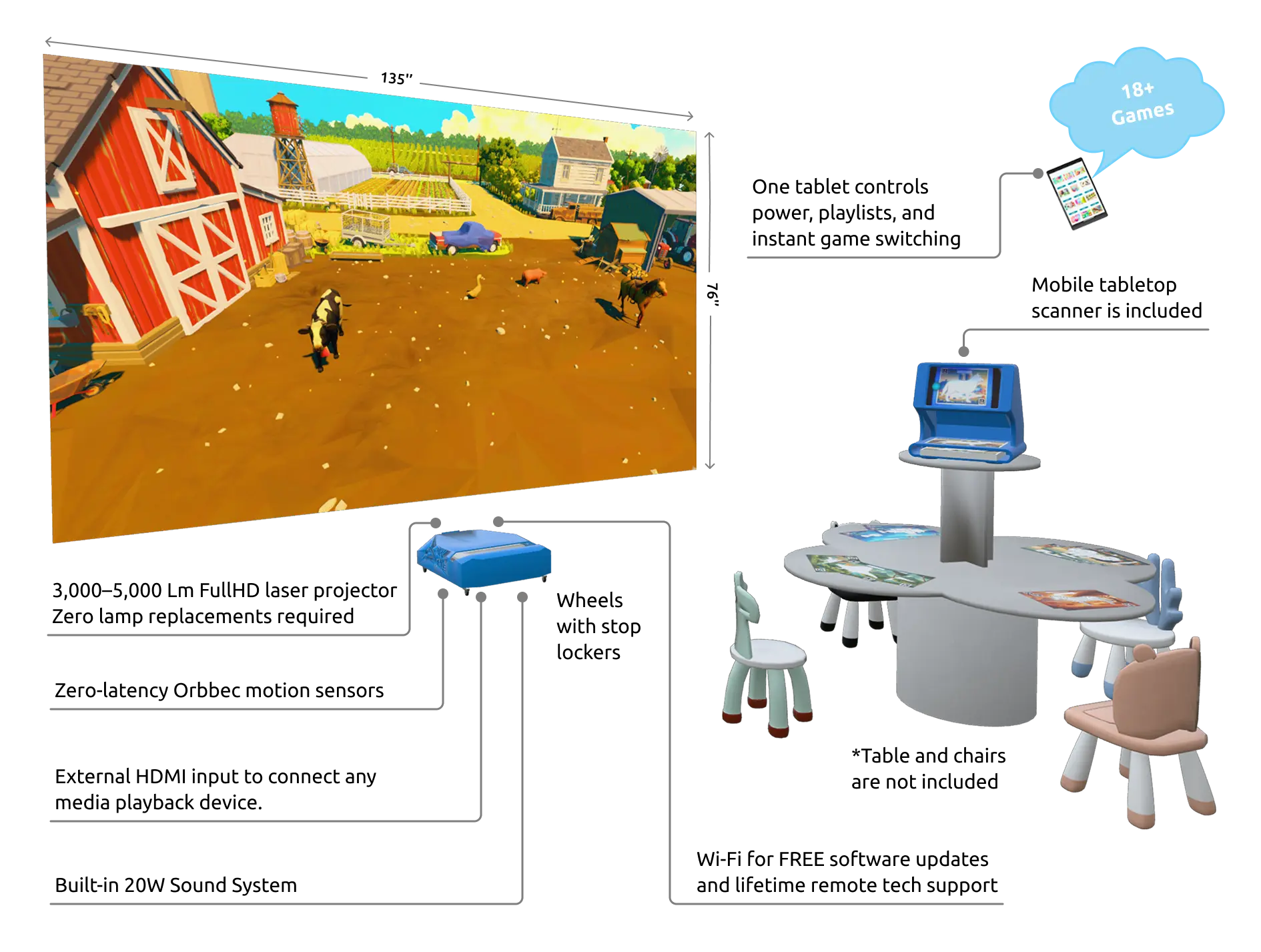
A vibrant laser projector with a laser touch sensor tracker requires no installation. It can be easily moved from room to room.
To provide a quality projection of up to 155 inches, it only needs to be placed 5 inches away from the wall. Additionally, the projector’s casing is made of steel! The device functions together with equipment for creating live drawings. The kit includes dozens of template coloring pages that can be brought to life with the scanner. All animal drawings, once scanned, appear on the screen as active models. They can perform additional movements when interacted with on the interactive wall. This set is perfect for hosting fun, educational, and sports games.
Explore Alive Sketch Games and Activities
Bring children’s creativity to life with 17 themed games featuring dinosaurs, animals, underwater worlds, space, and more. Children draw, scan, and interact with their animated creations, adding their characters to a shared digital world for imaginative group play.
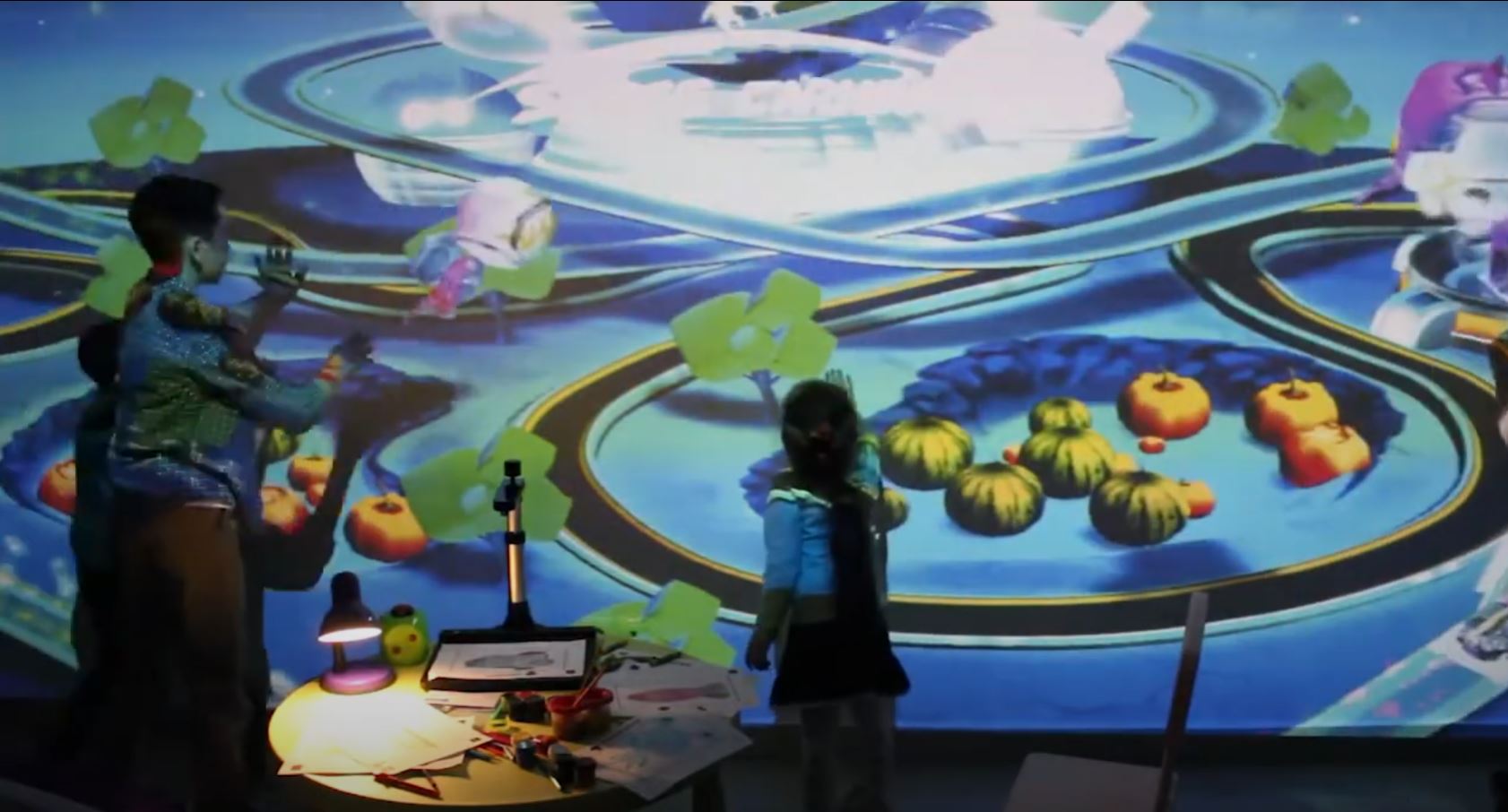
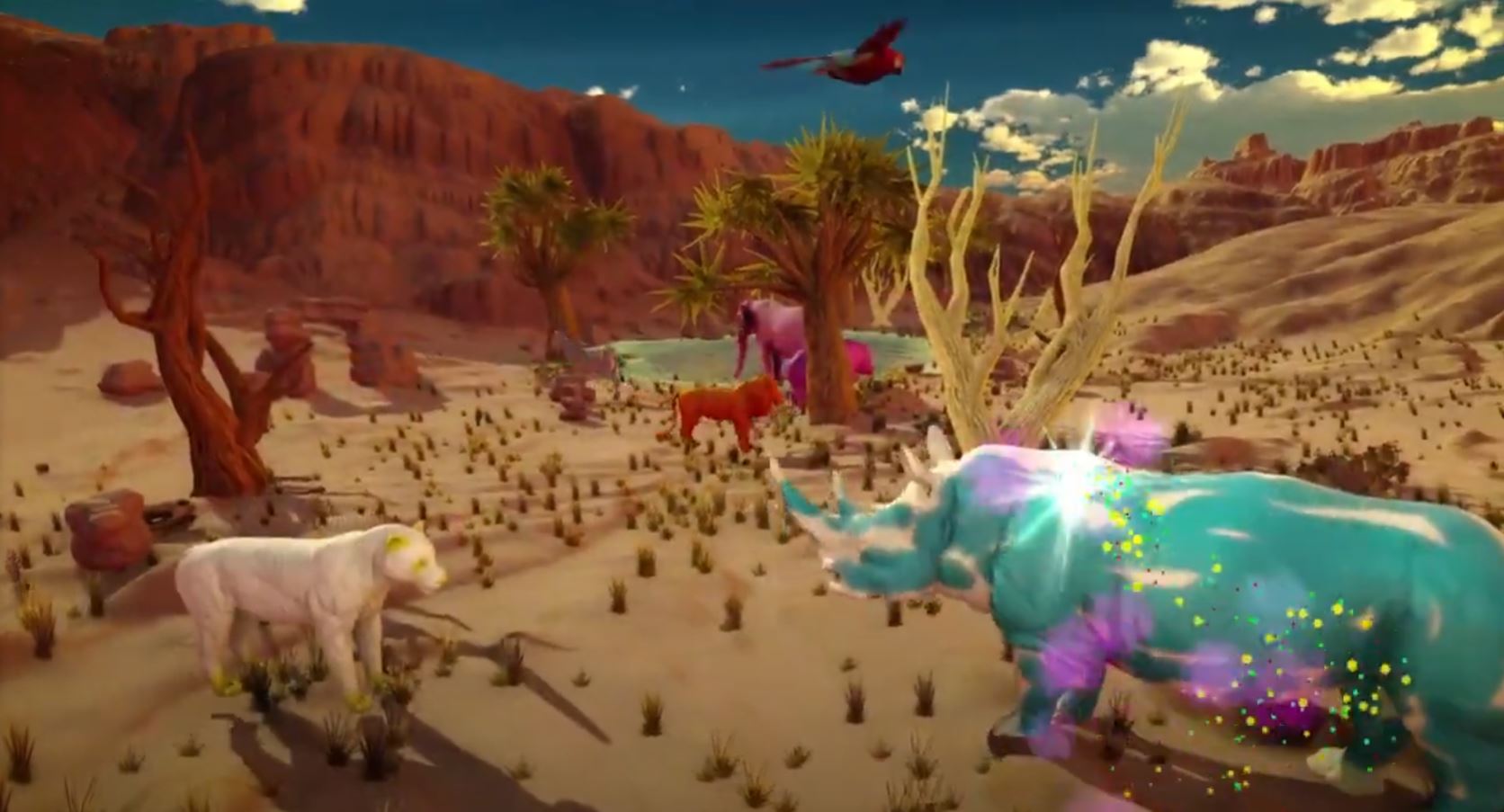
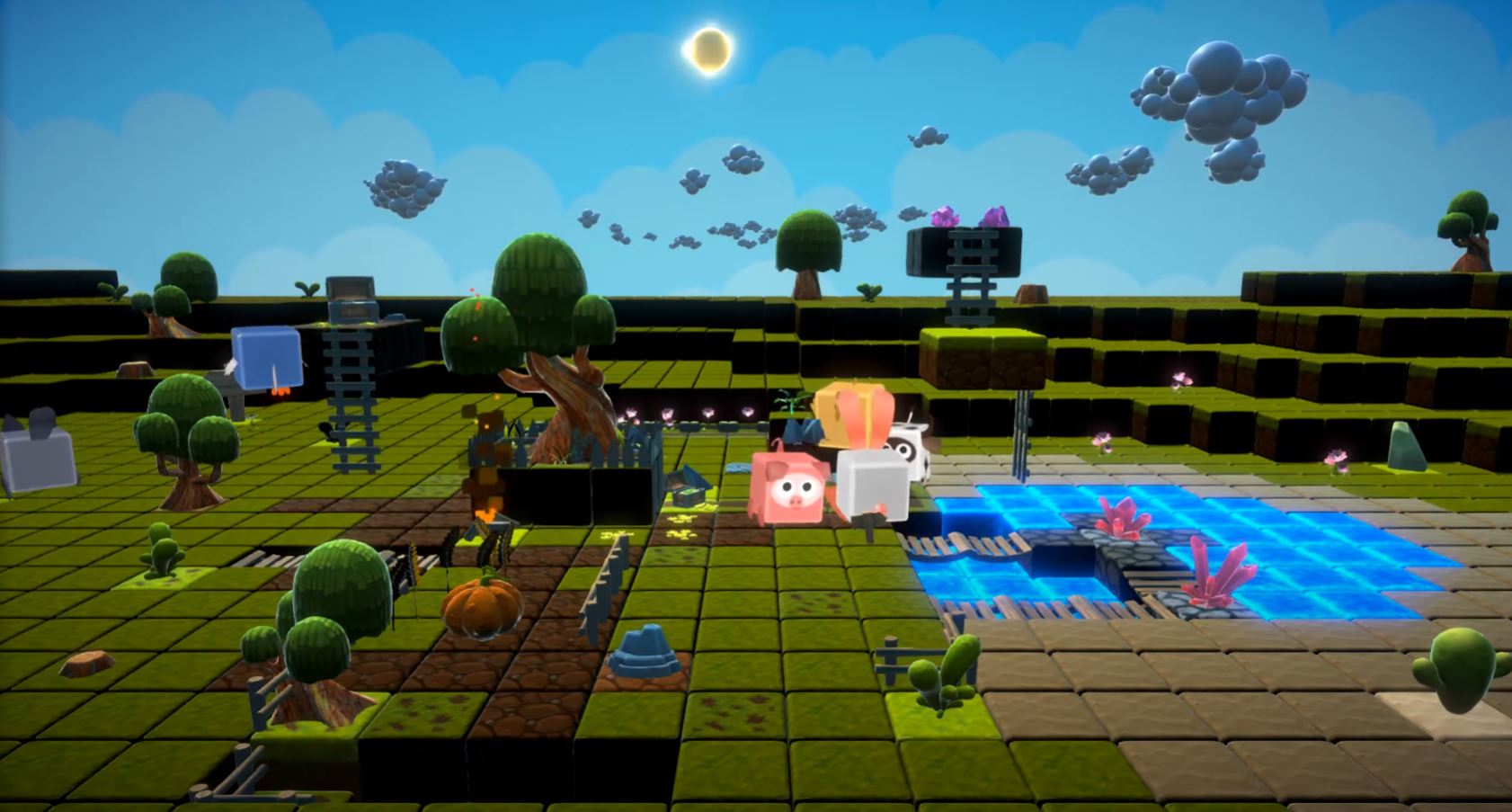
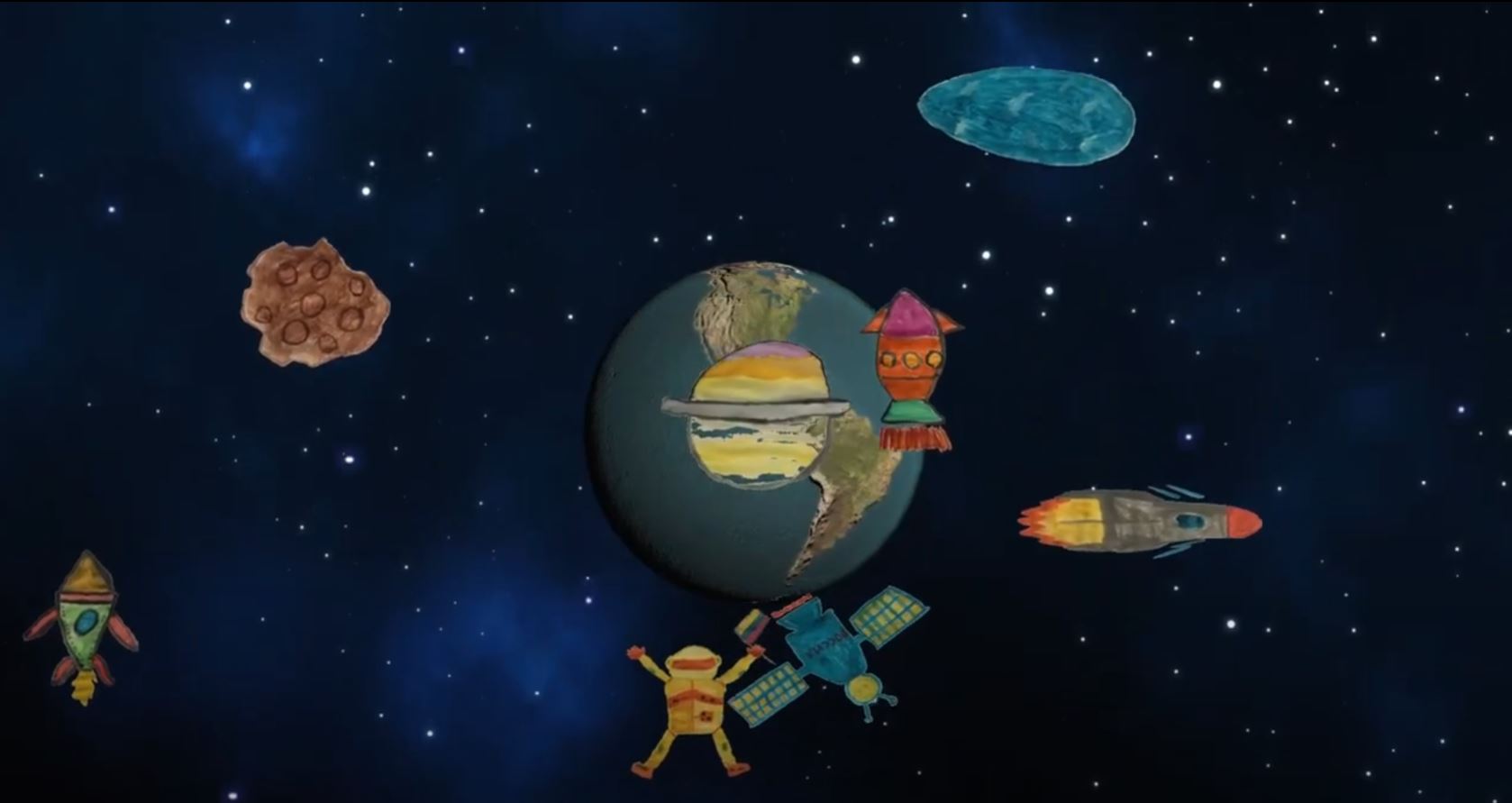


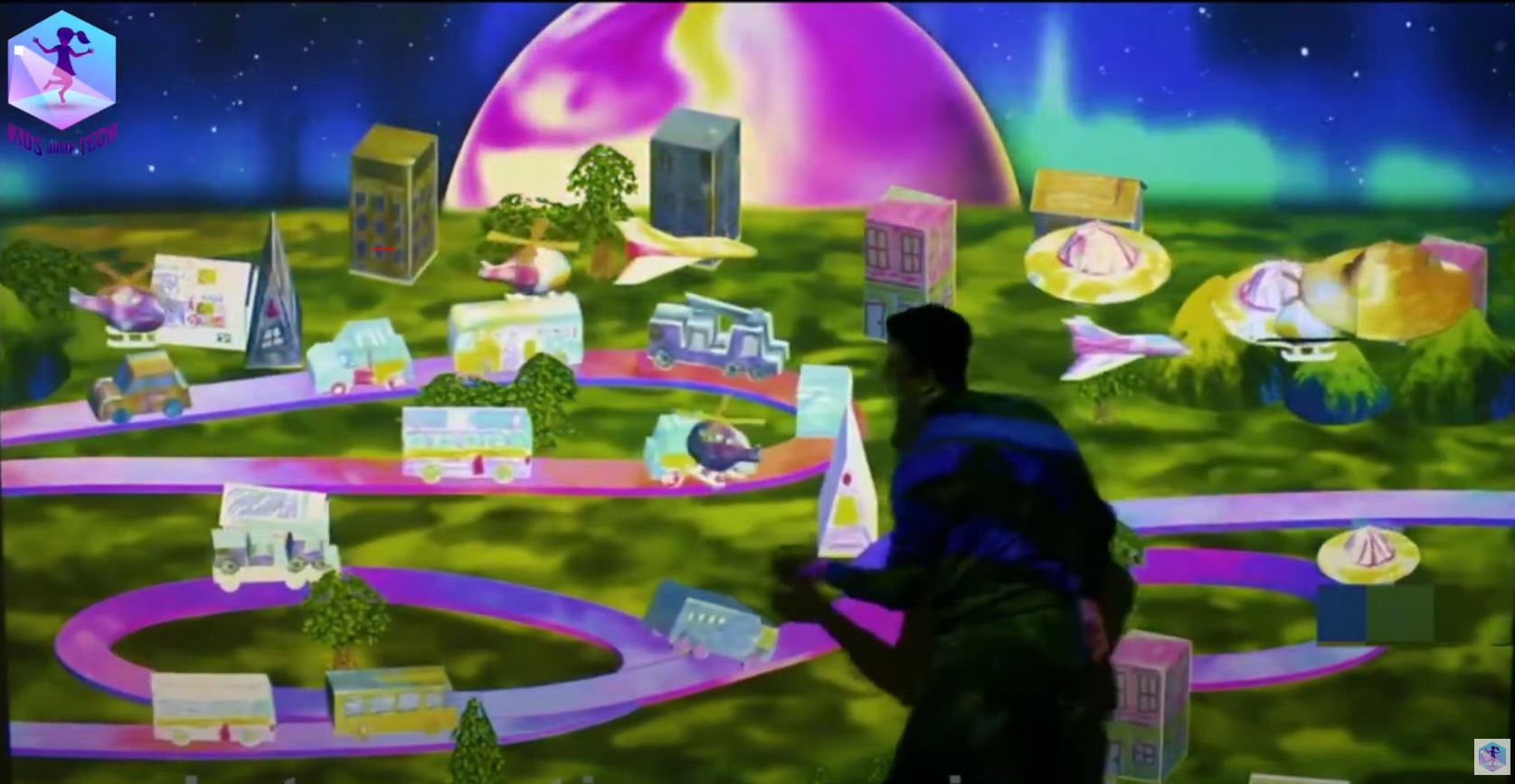

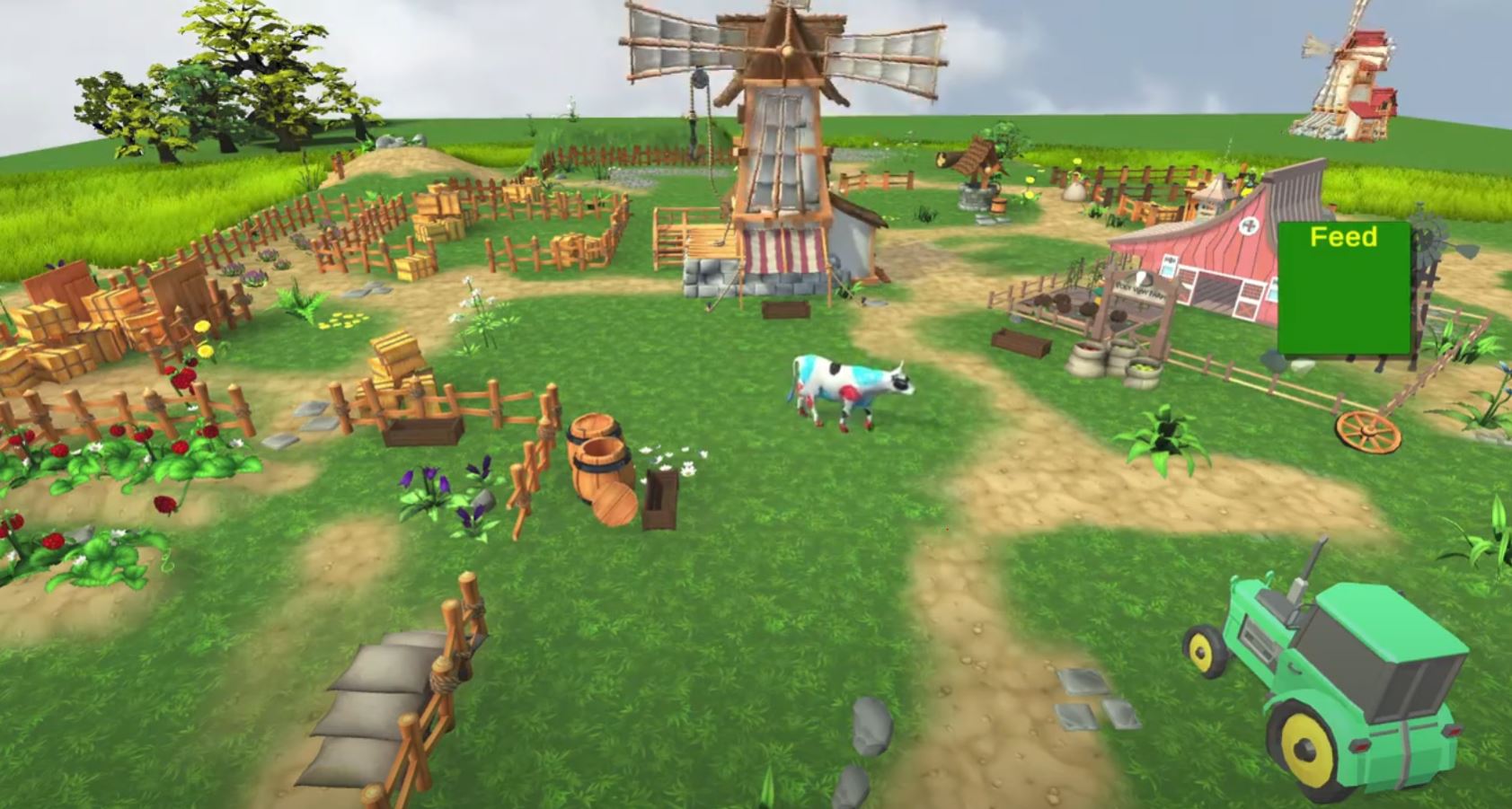


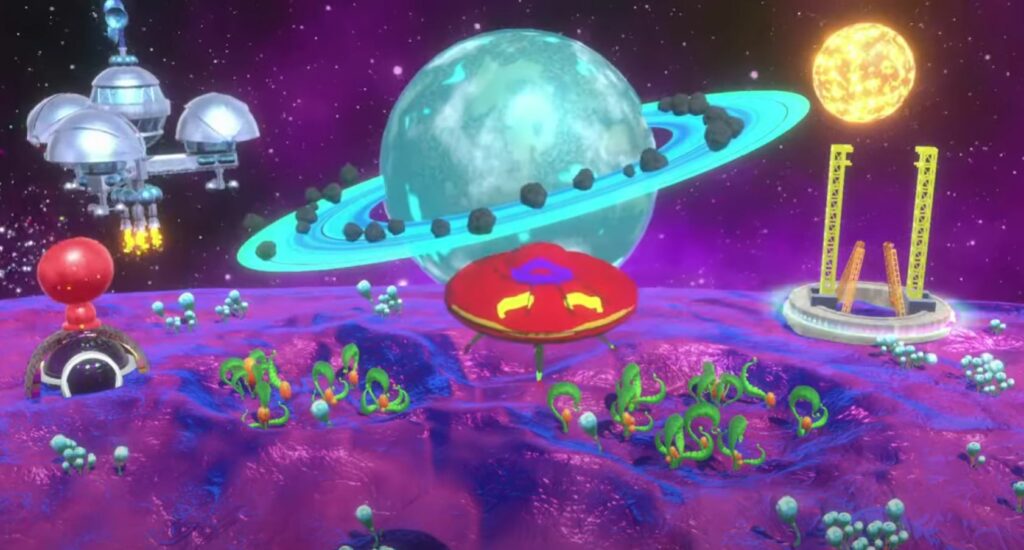
Alive drawings – Space base

Animated drawings underwater world

magic forest

farm
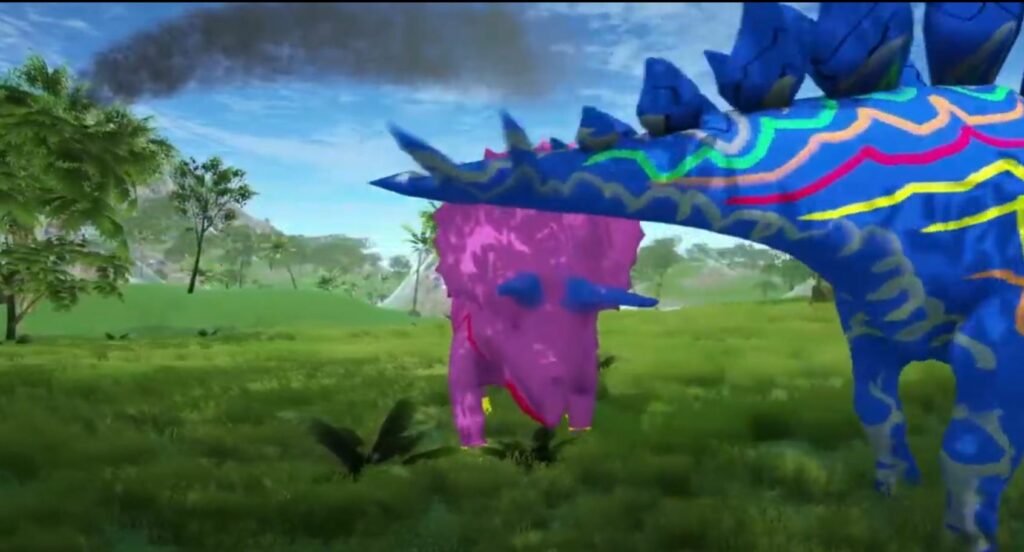
alive dinosaurs

sketch city
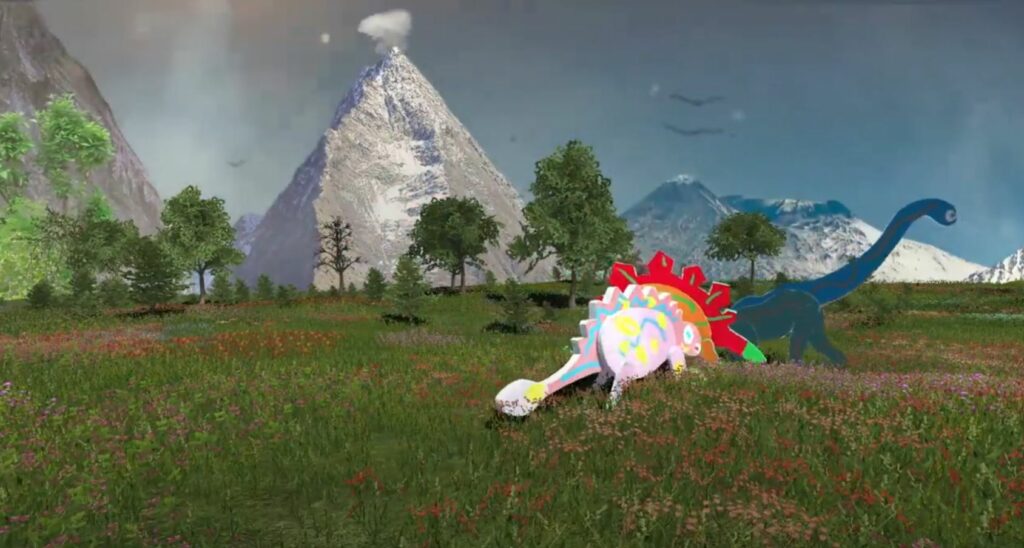
Dino world 3D
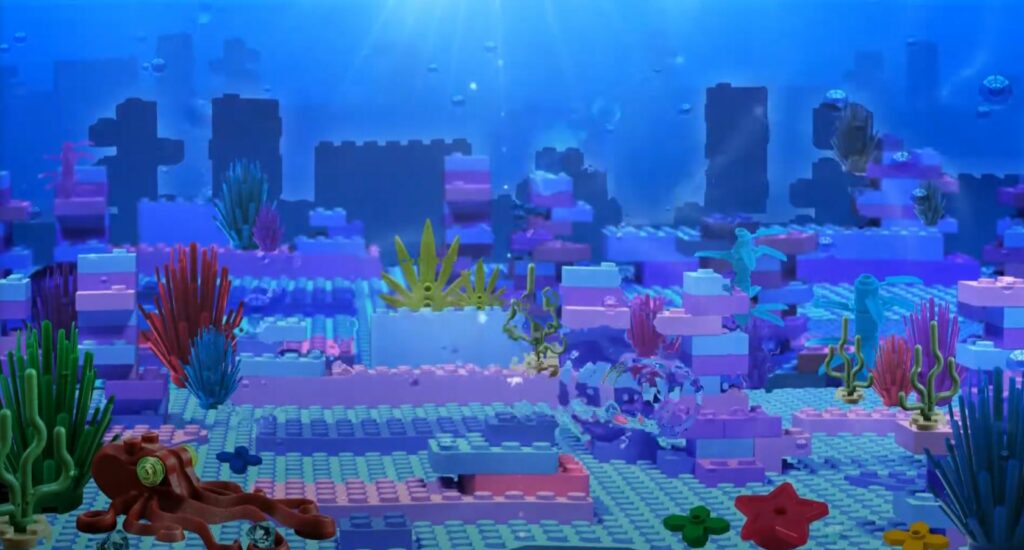
Lego land

Outer space (free drawing)
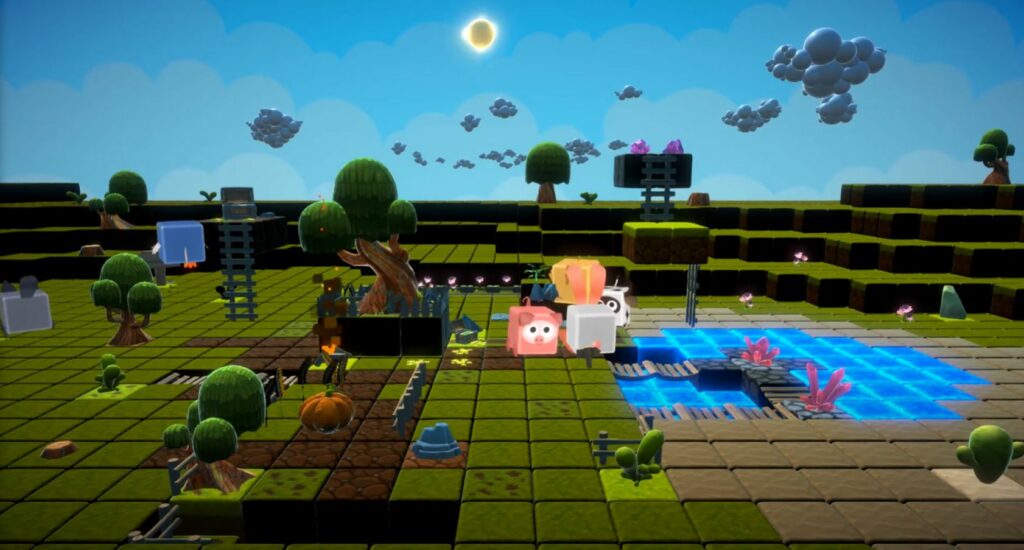
Animals free drawing
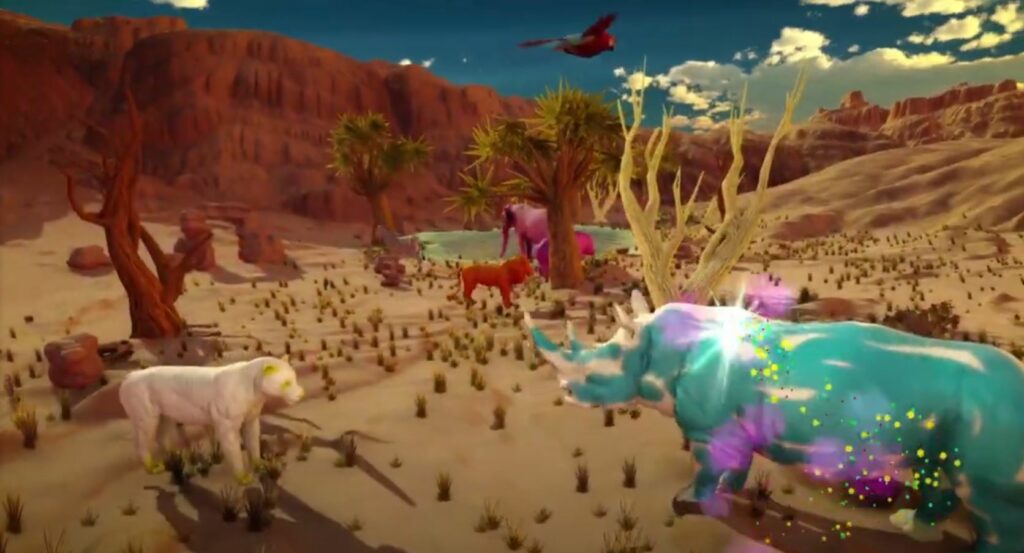
Alive drawings – african animals

Deep space
Compare Models
No subscription | Live tech support | 17 games | Free game updates | 2–5 year warranty.
| Laser Projector | Projection size | Warranty | Best for | Price | |
|---|---|---|---|---|---|
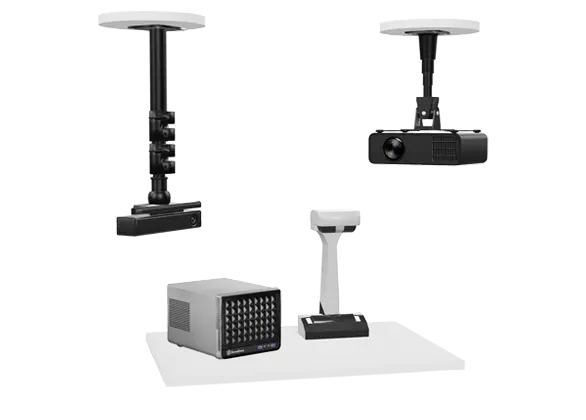
Alive Sketches NS
|
3,000 Lm
(All-in one w/o steel case) |
min. - 7' 5" x 4' 2" max. - 17'6 x 9' 10" | 2 year | Schools, libraries, museums and creative learning | $5,099 |
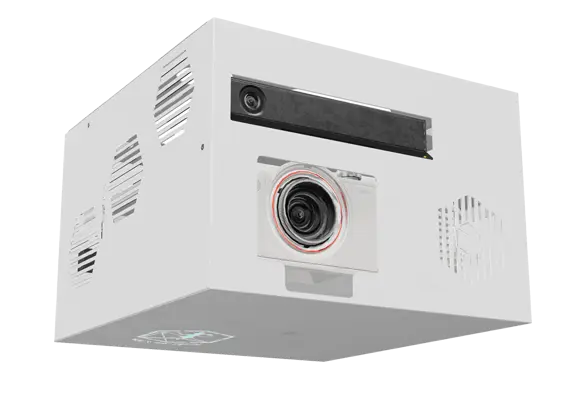
Alive Sketches WS
|
3,000 Lm
(All-in-one with steel case) |
min. - 7' 5" x 4' 2" max. - 17'6 x 9' 10" | 2 year | Schools, libraries, museums and creative learning | $6,199 |
Alive Sketches UST
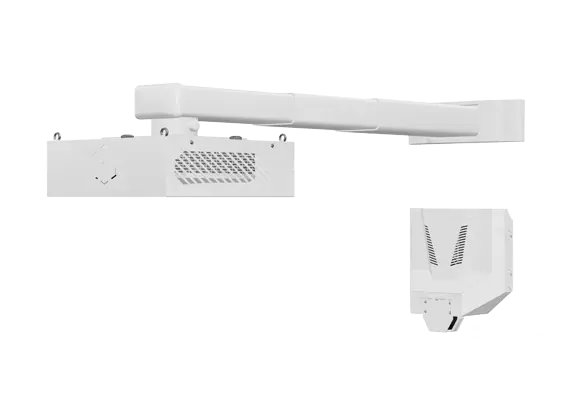
|
5,000 Lm
(Wall mount unit with no shadows) |
min. - 7' 5" x 4' 2" max. - 17'6 x 9' 10" | 2 year | High ceilings, no ceiling mounting option | $9,599 |
Alive Sketches Mobile
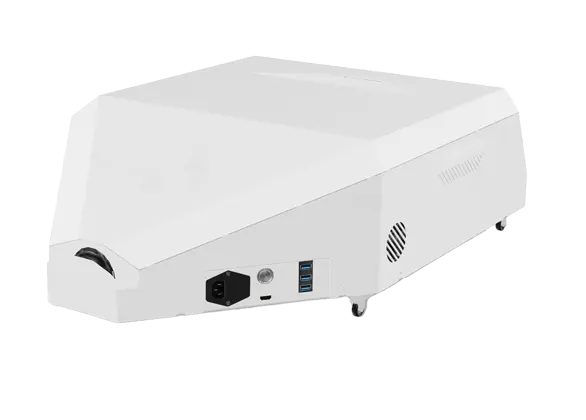
|
3,000 Lm
(Durable and movable) |
11' 3" x 6' 4" | 2 year | Portable use between classrooms and facilities | $8,900 |
Commercial drawings Mobile
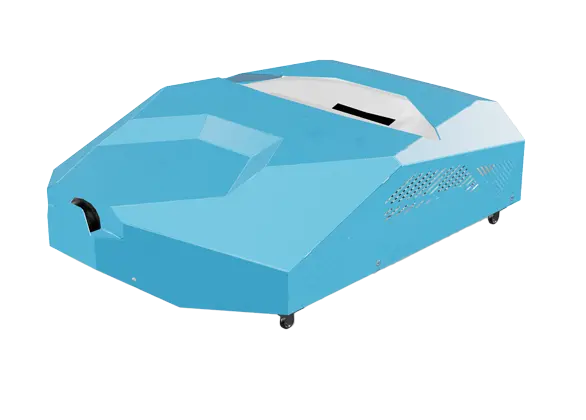
|
5,000 Lm
(Ultra bright mobile projection) |
11' 11" x 7' 5" | 5 year | Portable for museums, events and exhibitions | $13,540 |
Tested. Trusted. Implemented.
KidsJumpTech systems have been adopted by local and national organizations across the educational, entertainment, fitness, cultural, and public-service sectors.
Alive Sketch is designed for environments where equipment may be used by many children, students, visitors, and staff members throughout the day. Its combination of physical drawing, automated scanning, large-scale projection, and interactive feedback makes it suitable for both structured programs and open-ended participation.
Schools, libraries, museums, therapy centers, and family venues can adapt the system to their own space, audience, schedule, and educational or engagement goals.


























How Art Comes Alive
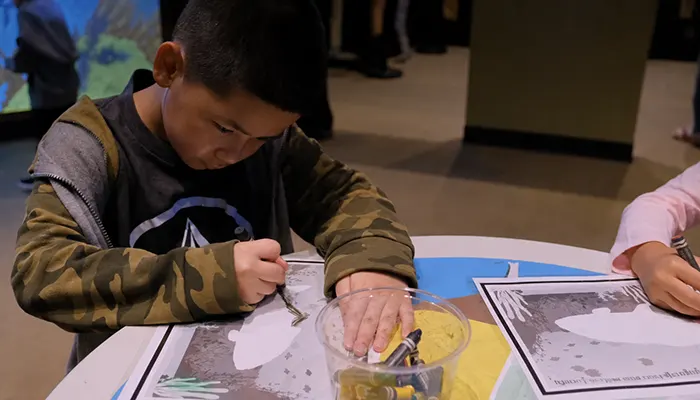
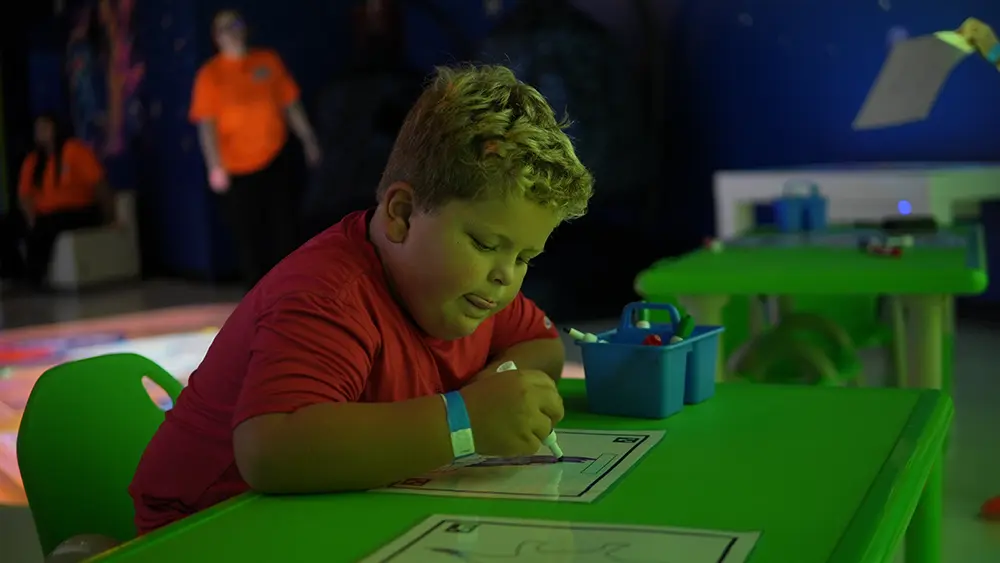
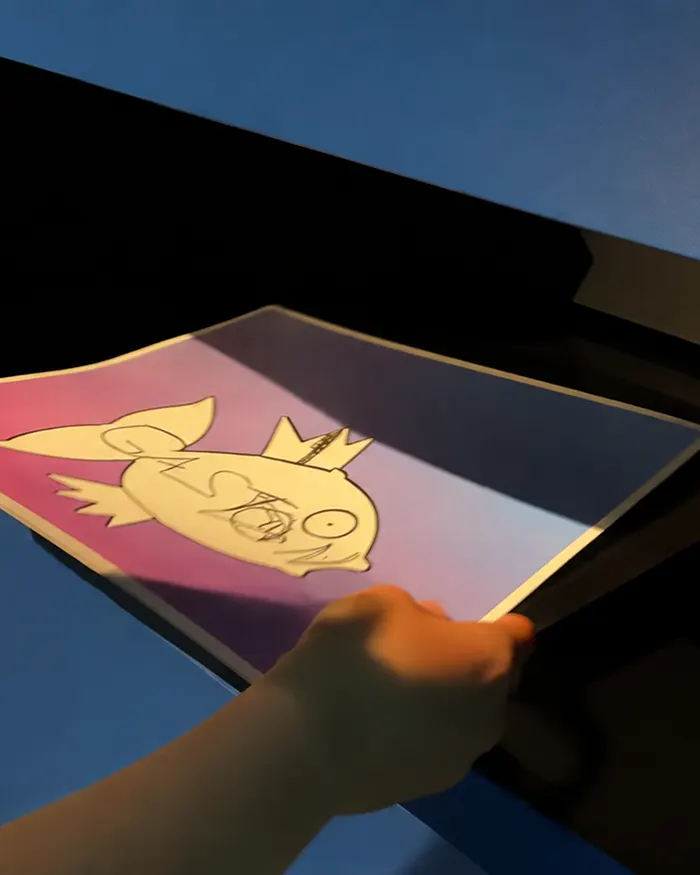
Children color a picture, scan it, and watch as their drawing comes to life on the interactive wall. The animated character retains the colors and details of the original artwork, moves within a themed environment, and responds to touch.
Alive Sketch uses a scanner, specialized software, a computer, projection equipment, and interactive touch technology to transform a paper picture into an animated character.
1. Choose a Template or Create a Drawing
Children select a printable character template or use the free-drawing option. Available themes may include animals, dinosaurs, vehicles, underwater creatures, and fantasy characters.
2. Color and Personalize the Picture
Each participant chooses colors, patterns, and visual details. Teachers and therapists can connect the task with a lesson, story, communication exercise, or creative activity.
3. Scan the Artwork
The completed picture is placed in the scanner. The software recognizes the character and transfers its colors and details into the selected digital world.
4. Watch the Drawing Come Alive
The animated character appears on the interactive wall within seconds. Children can immediately recognize the colors and details from their original artwork.
5. Interact with the Character
Children can touch the projected character with their hands or use the included interaction sticks. Depending on the selected game, the character can move, react, or perform additional actions.
This drawing-to-life experience turns a familiar coloring activity into active digital play.

What Is Included and How the System Is Installed
Each Alive Sketch configuration includes the core equipment and software required to turn paper drawings into interactive animation.
Depending on the selected model, the package may include:
- Projector
- Interactive touch technology
- Computer with Alive Sketch software
- Desktop scanner
- Printable coloring templates
- Themed interactive games
- Interaction sticks
- Installation and initial setup
- Staff training
- Technical support
- Software and game updates
- Manufacturer’s warranty
The exact projector, mounting components, projection size, warranty period, and installation method depend on the selected configuration.
Before installation, consider:
- Available wall width and height
- Ceiling height
- Ambient lighting
- Electrical access
- Scanner and workstation placement
- Expected number and age of users
- Whether the equipment must move between rooms
- Accessibility and supervision requirements
Alive Sketch can operate as a standalone creative station or be combined with interactive floors, walls, sandboxes, multi-touch tables, and other digital equipment.
Why Us?
1
Year Warranty1
Subscriptions1
Tech SupportVisit our showroom or schedule a Zoom call
We will call you back from (877) 901-0110 within 10 minutes during our business hours, which are from 9 AM to 6 PM EST
Meet the A-list of Games and Activities
Are you ready for a creative game-changer? Alive Sketch includes a growing collection of themed games and activities that combine drawing, animation, movement, storytelling, and learning.
Children can create characters for different projected worlds, including experiences built around:
- Underwater environments
- Dinosaurs
- Animals
- Vehicles
- Fantasy scenes
- Sports activities
- Educational themes
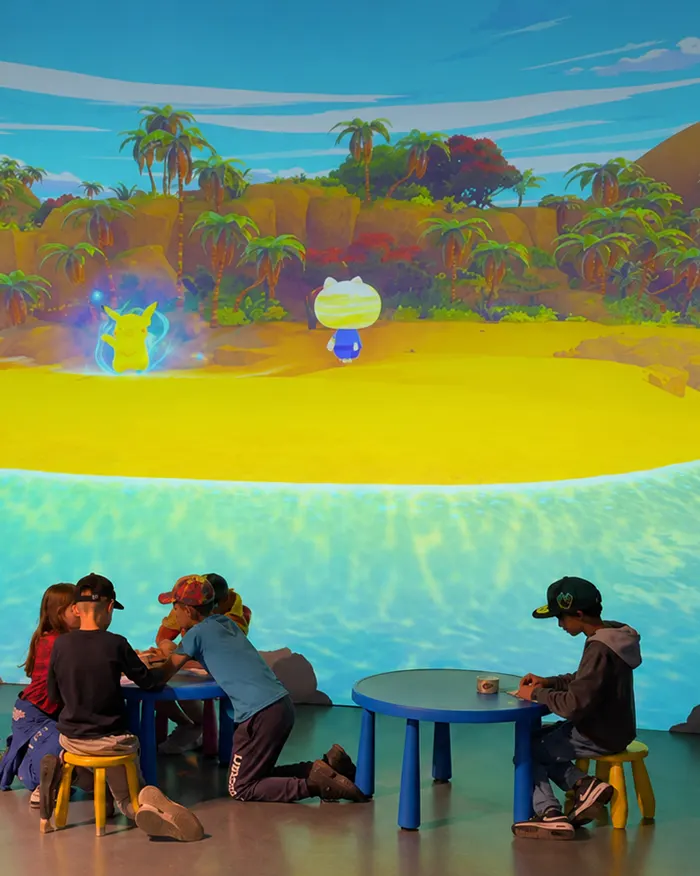
Several children can add their characters to the same projected world. This allows an individual drawing task to become a shared activity involving communication, observation, imaginative play, and collaborative storytelling.
The system currently includes 17 games. Eligible software updates and new game releases are provided without a mandatory recurring subscription.
Organizations can also discuss the development of a custom environment for a lesson, exhibition, branded venue, community project, or seasonal event.
Why Alive Sketch?

Features
Real-Time Animation
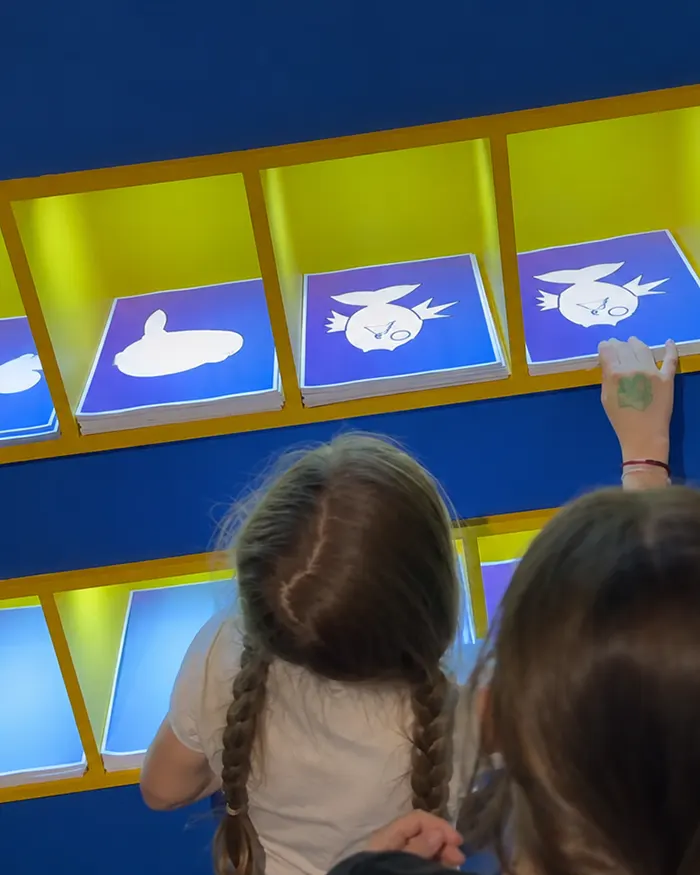
Children draw directly on paper, scan the completed picture, and watch it appear as an animated character inside a projected digital environment.
User-Friendly Interface
Our intuitive design ensures that artists of all ages can easily navigate and enjoy the full potential of Alive Sketch without any technical barriers.
Printable Templates and Free Drawing
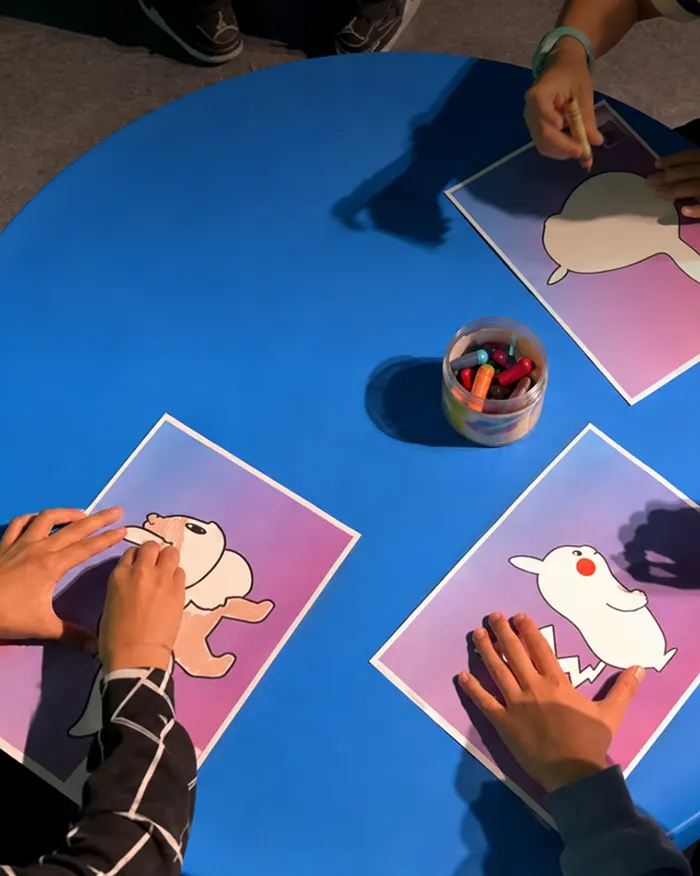
Alive Sketch supports themed printable templates as well as free-drawing activities, allowing facilitators to choose between structured and open-ended creativity.
Interactive Play
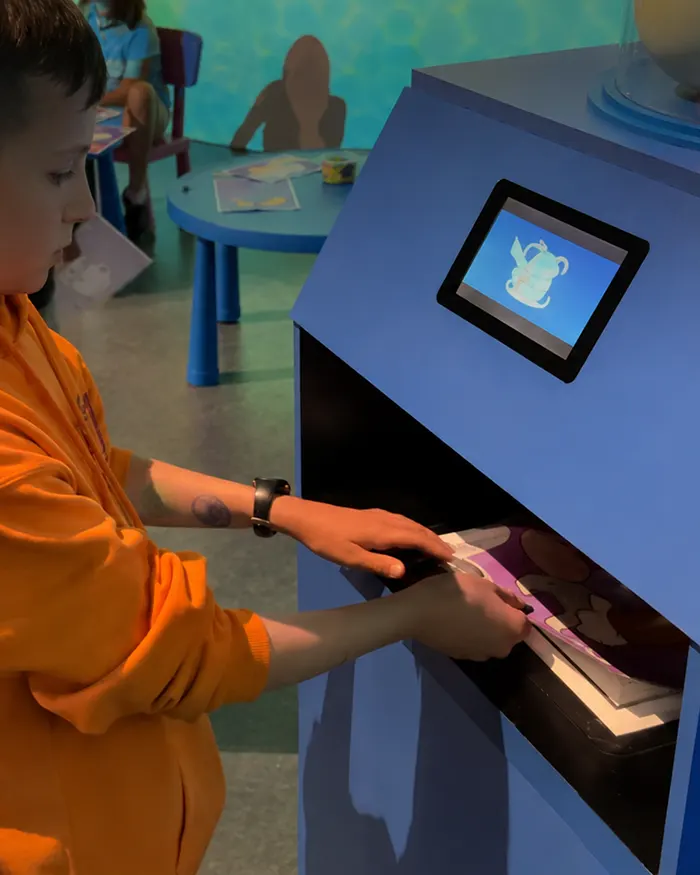
Alive Sketch is more than a drawing activity. Children can touch and interact with their animated creations, creating additional opportunities for play, movement, and exploration.
Large-Scale Projection
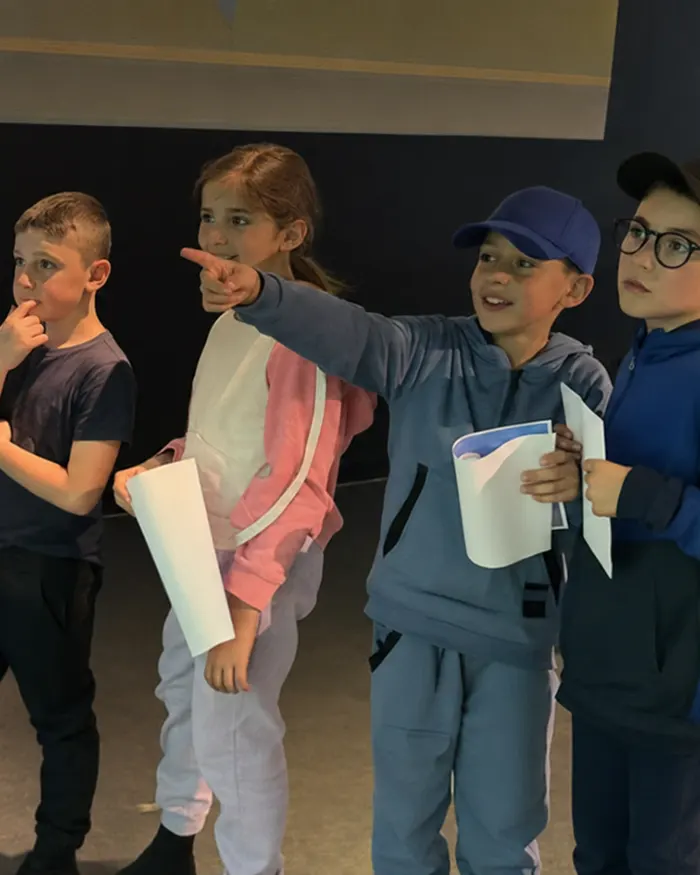
Artwork appears on a large wall rather than a small personal screen, making the experience visible and engaging for groups.
Multiple Themed Games
Teachers, therapists, museum teams, and venue operators can choose an environment based on the participants, lesson topic, program, or event.
Sound and Animated Feedback
Projected worlds use movement, visual effects, and sound to respond to participation and make the result immediately recognizable.
Stationary and Mobile Options
Organizations can choose a permanent installation or a movable configuration for use in several rooms.
Durable Equipment
The system uses professional scanners, computers, projectors, and mounting or mobile components selected for regular use in educational, public, and entertainment environments.
Custom Game Development
KidsJumpTech can develop custom themes and environments for educational programs, exhibitions, branded venues, and special projects.
Technical Support and Updates
Customers receive staff training, technical assistance, and applicable software and game updates.
Transforming Imagination into Interaction
Learn how Alive Sketch can be incorporated into different educational, therapeutic, cultural, and entertainment spaces.
Teachers can connect Alive Sketch with art, storytelling, science, language learning, environmental topics, and group projects.
Possible activities include:
- Creating animals before a lesson about habitats
- Designing dinosaurs for a prehistoric life topic
- Describing characters using new vocabulary
- Building a collaborative class story
- Sorting characters by color, category, or habitat
- Counting objects appearing on the wall
- Presenting artwork to classmates
The system can be used in preschool classrooms, elementary schools, STEM programs, media centers, after-school clubs, and special education settings.
For younger children, the clear sequence of drawing, scanning, and animation can support:
- Color recognition
- Choice-making
- Basic vocabulary
- Following instructions
- Turn-taking
- Visual attention
- Imaginative play
- Group participation
Children can observe one another’s creations and add their characters to the same projected environment.
Therapists and special education professionals can adapt Alive Sketch for structured activities involving:
- Fine motor participation during coloring
- Naming colors, objects, and actions
- Making and communicating choices
- Following a sequence of steps
- Describing a completed picture
- Visual tracking
- Joint attention
- Turn-taking
- Cause-and-effect exploration
Alive Sketch is an activity platform, not a medical treatment. Specialists determine how it should be used according to individual goals, abilities, communication methods, and sensory needs.
Alive Sketch can become a visitor-created digital exhibit or a staff-led educational station.
It can support:
- Science and nature programs
- Reading and storytelling events
- Community art projects
- Seasonal activities
- Family learning areas
- Children’s discovery zones
In family entertainment centers and indoor playgrounds, Alive Sketch adds a creative activity alongside more physically active attractions.
It is suitable for:
- Indoor playgrounds
- Kids’ clubs
- Birthday venues
- Shopping center play zones
- Hotels and resorts
- Waiting areas
- Creative activity rooms
Educational and Therapeutic Applications
Alive Sketch can be used as an open-ended creative station or as part of a structured lesson or therapy session.
For Teachers and Educators
Teachers can use the system to support:
- Storytelling and descriptive language
- Creative writing
- Animal and habitat lessons
- Color and shape recognition
- Categorization and counting
- Group presentations
- Collaborative projects
- Digital creativity
For example, each student can create one character and then help build a shared story around all the alive drawings appearing on the wall.
Educators can also ask children to:
- Name their characters
- Describe their colors and features
- Explain where the characters live
- Compare different drawings
- Place characters into categories
- Create a beginning, middle, and ending for a group story
For Therapists and Special Education Teams
Specialists can adapt the activity according to the participant’s developmental level, communication method, sensory preferences, and session goals.
Possible tasks include:
- Choosing between two templates
- Requesting a particular color
- Following a two-step instruction
- Naming the scanned character
- Describing what the character is doing
- Waiting while another participant scans a picture
- Finding their own character on the wall
- Touching or visually tracking a moving character
- Working with a peer on a shared scene
The projected visuals, sound, movement, activity duration, and group format should be adapted to the needs of each participant.
Ready to
Make Art Come Alive?Are you ready to offer an unforgettable creative journey for people of all ages? Alive Sketch is more than a drawing experience; it’s a gateway to endless possibilities, where every stroke adds color to the canvas of imagination.
Schedule a Demo Today: Find out how you can integrate this innovative experience into your space, inspiring creativity and captivating audiences like never before.
All the More Reasons to Try
Step into a world where art moves beyond the page and becomes part of an interactive digital environment. With Alive Sketch, every drawing can lead to animation, storytelling, movement, and shared discovery.
FAQ
Alive Sketch is an interactive drawing system that turns paper artwork into animated characters displayed on a large interactive wall. Children color a template or create their own picture, scan it, and then watch their drawing come to life in a projected digital environment.
After a completed picture is scanned, specialized software captures its colors and visual details and applies them to an animated digital character. The character then appears on the projected wall, where children can watch it move and interact with it.
Yes. Alive Sketch games include sound effects, animation, and interactive visual feedback.
Alive Sketch software is normally supplied with a compatible computer to ensure stable integration and performance. If you already own a KidsJumpTech Interactive Wall, contact our technical team to confirm whether Alive Sketch can be installed on its existing computer.
After purchasing Alive Sketch, customers receive access to downloadable templates that can be printed and used with the included games and activities.
Yes. Alive Sketch provides themed character templates for different games as well as a free-drawing option. Available drawing formats may vary depending on the selected game.
The current Alive Sketch package includes 17 games, with free game updates. The available game library may expand over time and can vary depending on the selected configuration.
Yes. Multiple children can create individual characters and add them to the same projected environment. Activities can be organized for individuals, pairs, small groups, or entire classes.
Yes. Schools and preschools can use Alive Sketch for art, storytelling, vocabulary development, science themes, color recognition, group projects, turn-taking, and imaginative play.
Yes. Therapists and special education teams can adapt Alive Sketch for guided drawing, communication, visual attention, choice-making, turn-taking, and cause-and-effect activities. Alive Sketch is an activity platform, not a medical treatment.
The appropriate model and projection size depend on room dimensions, available wall space, ceiling height, lighting conditions, installation requirements, intended use, and whether the system needs to be mobile.
Stationary configurations can support projections from approximately 7’5″ × 4’2″ up to 17’6″ × 9’10”, while mobile models use fixed projection sizes. Share your room details with the KidsJumpTech team to receive a suitable model recommendation.
Not always. Stationary Alive Sketch models use a fixed ceiling or wall installation, while mobile configurations can be moved between rooms and do not require permanent ceiling mounting.
No. Alive Sketch does not require a mandatory recurring subscription. Customers also receive free game and software updates.
Yes. KidsJumpTech can develop custom games and digital environments based on your concept. Pricing and production time depend on the complexity of the artwork, animation, interactions, and software requirements.
Alive Sketch pricing currently starts at $5,099. The final cost depends on projector brightness, installation type, projection size, mobility, and warranty. Compare the available models or contact the KidsJumpTech team for a personalized quote.
The price depends on the selected model, projector brightness, mounting method, and equipment configuration. Compare the models above to see listed prices, or contact our team for a quote based on your room and installation requirements.
Assistance in selecting interactive equipment
We will help you choose equipment that will best suit your needs